


Build a CV That Gets You Job
Fill in your details across 9 simple steps. Our builder automatically handles design, alignment, and ATS formatting in real time. Enter the one-time access code sent to your WhatsApp after payment verification to start building.
Access Required
Enter your access code to unlock EasyCV Dashboard
Invalid or already used code. Please try again.
Create Your CV
Follow our structured step-by-step wizard to instantly generate a sleek, recruiter-approved layout in 3 minutes.
Personal Information
Your name, role, and contact details will appear in the CV header.
Professional Summary
2–4 sentences that capture your experience, key strength, and what makes you stand out.
Work Experience
Add positions starting with your most recent. Use bullet points in the description for best results.
Education
List your degrees, diplomas, or certifications.
Skills
Type a skill and press Enter or comma to add it. These appear as clean tags on your CV.
e.g. Python, React, GraphQL, PostgreSQL, AWS
Languages
Add languages you speak and your proficiency level. They appear with a dot rating on the CV.
Key Achievements
Highlight 2–5 specific wins with measurable impact. These appear prominently in the right column.
Example: "Optimised Backend Performance — Led a project that reduced latency by 40% through efficient API design."
Courses & Certifications
List any relevant courses, certifications, or online learning. These appear in the right column.
Your CV is Ready!
Review your CV below, then print or save it as a PDF using your browser.
Creating your CV…
Build CV
Create a standout CV that highlights your strengths
Explore opportunities
Discover jobs that match your skills and experience
Start applying
Apply with confidence and track your applications
Get Your Instant Access Code
Transfer the exact amount to either bank account below and share your payment receipt to the corresponding WhatsApp support line to receive your unique single-use access code.
PK10UNIL0109000295049971PK92MEZN0002590104538973EasyCV
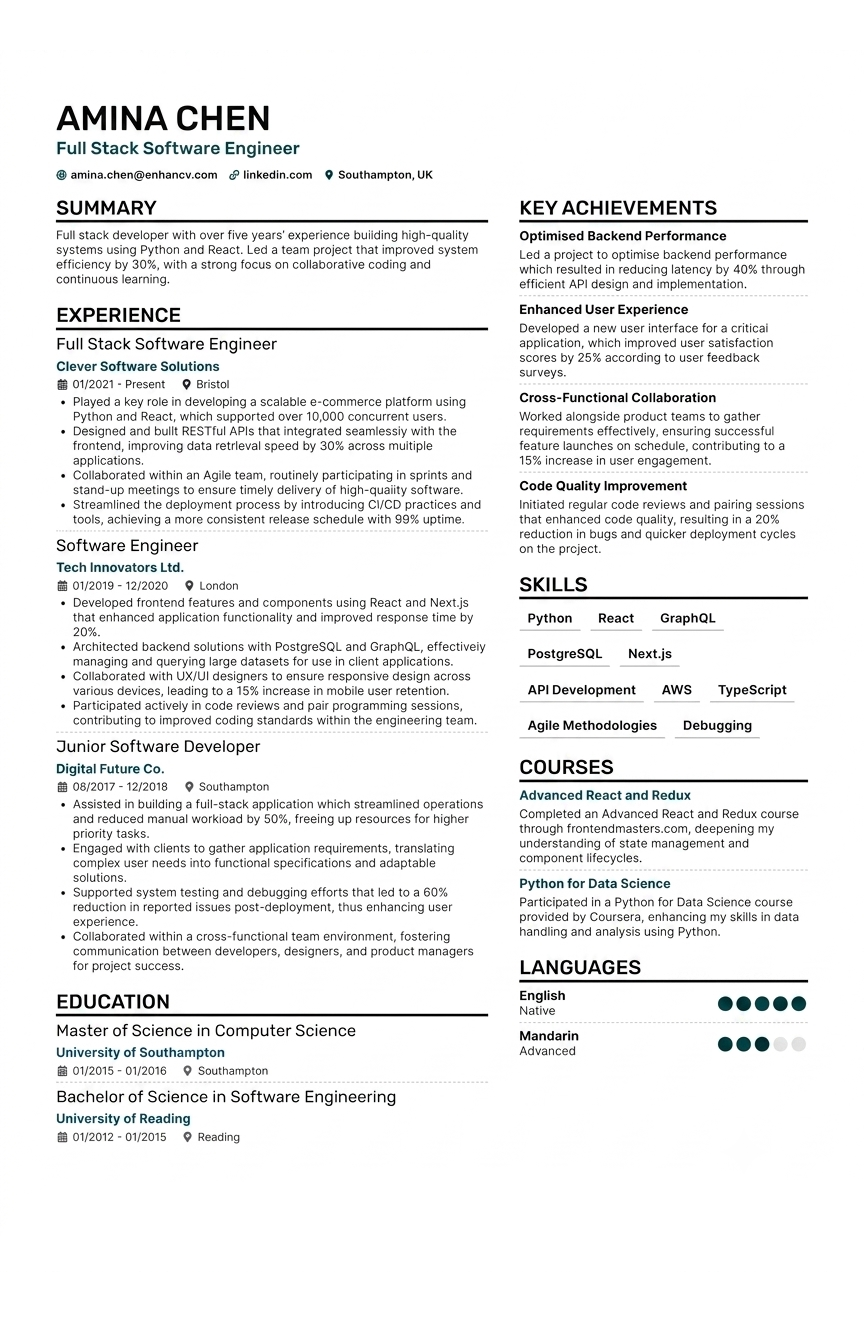
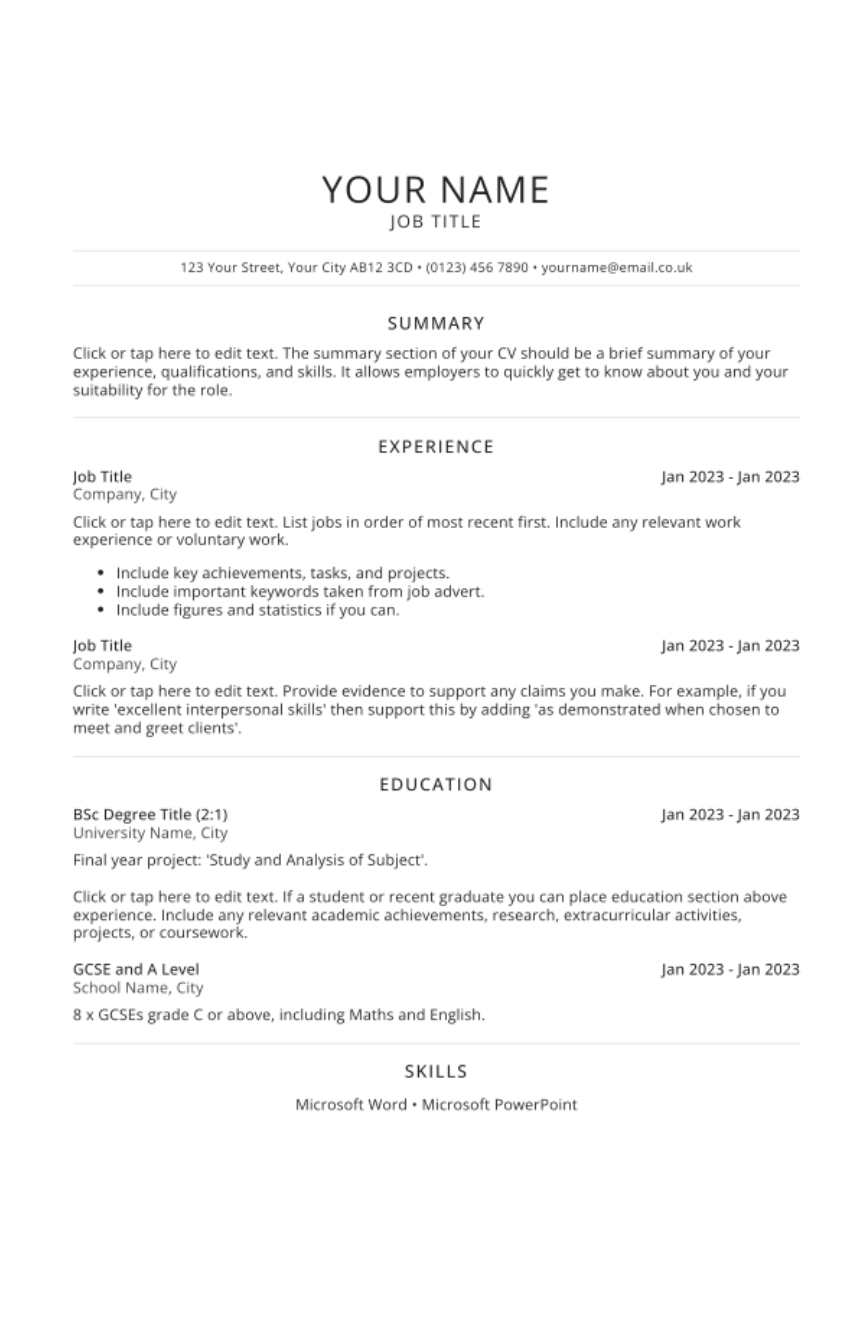
Average .DOC
Frequently asked questions!
-
How do I buy an access code?
Simply select your preferred plan, transfer the payment to our provided account details and send the payment screenshot to our official WhatsApp number. Once verified, our team will instantly send your unique access code.
-
How does the access code work?
Once you receive your single-use code on WhatsApp, enter it on the website to instantly unlock full access to the dashboard. You can then complete the guided wizard and download your completed 90+ ATS-optimized PDF resume.
-
Will this CV really pass Applicant Tracking Systems (ATS)?
Yes! Our resume structure is algorithmically tested to pass top HR screeners (like Workday, Greenhouse, Taleo, and Lever). We use standard typography, recruiter-approved section headers, and clean formatting to guarantee your resume parses accurately with a 90+ score.
-
Can I resell EasyCV access codes or offer CV creation services?
Absolutely. Our Bulk / Reseller Package gives you 50 single-use codes (bringing your cost down to ~PKR 80 per code). You get full commercial rights to resell these codes individually at PKR 99 or offer resume-building services to your clients and students.
-
What format will my resume download in?
Your completed resume downloads instantly as a high-resolution, print-ready PDF. The layout is locked to ensure zero alignment shifts or broken margins, regardless of what device or operating system the recruiter uses to open it.
-
How long does it take to get my access code after payment?
Code delivery is nearly instant! As soon as you share your payment screenshot on WhatsApp, our support team verifies the transaction and sends your single-use access code right away.
CVs created with EasyCV
Empowering job seekers with instant ATS-optimized resumes that land recruiter interviews... and counting! Build, Optimize, and Export in 3 Minutes!